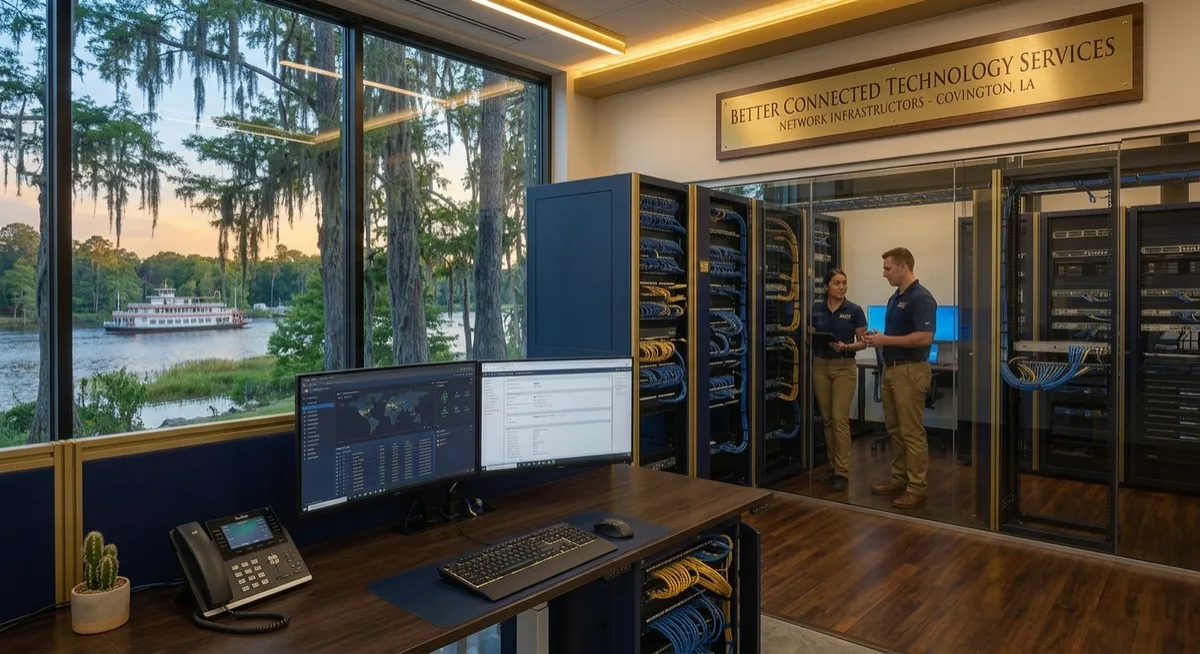
New Office IT Setup in Covington, LA: What Businesses Should Plan Before Moving In
Opening a new office in Covington, Louisiana involves more than moving desks, computers, and employees into a new space. A reliable technology setup needs to be planned before the business moves in so that employees can connect, communicate, access files, use business applications, and work efficiently from day one.
A new office IT Setup in Covington, LA may include business computers, internet connectivity, network equipment, Ethernet cabling, Wi-Fi, printers, phones, security considerations, and other technology infrastructure. Planning these systems early can also help avoid unnecessary rewiring, equipment changes, and connectivity problems after the office is already occupied.
For businesses opening or expanding an office in Covington and the surrounding St. Tammany Parish area, understanding the basic IT requirements can make the move more organized and predictable.
What Is Included in a New Office IT Setup?
Common components include:
Business computers and workstations
Business internet connectivity
Routers and network equipment
Ethernet and structured cabling
Business Wi-Fi
Network switches
Printers and other shared devices
Phones and communication systems
File and data access
Network security
Equipment placement and organization
Future expansion considerations
Planning these components together helps create a more organized technology environment rather than installing individual systems without considering how they will work together.
Start With the Office Layout
Before installing technology, look at how the office will actually be used.
Consider where employees will work, where conference rooms will be located, where printers and shared equipment will be placed, and where network equipment can be securely housed.
The office layout can affect:
Ethernet cable runs
Network equipment placement
Wi-Fi coverage
Computer locations
Printer locations
Conference room connectivity
Phone and communication systems
Future workstation additions
This is especially important for a new office because network cabling is generally easier to install before walls, ceilings, and workspaces are completely finished.
Plan the Business Internet Connection
A dependable internet connection is one of the first things a new office needs.
Businesses should determine the internet service available at the new location and consider how many employees and devices will use the connection.
The requirements may vary depending on whether employees regularly use:
Cloud-based applications
Video conferencing
Cloud storage
Remote access
Large file transfers
Business software
Online customer platforms
Internet service and internal network infrastructure are related but different. A fast internet connection still needs a properly designed local network to distribute connectivity throughout the office.
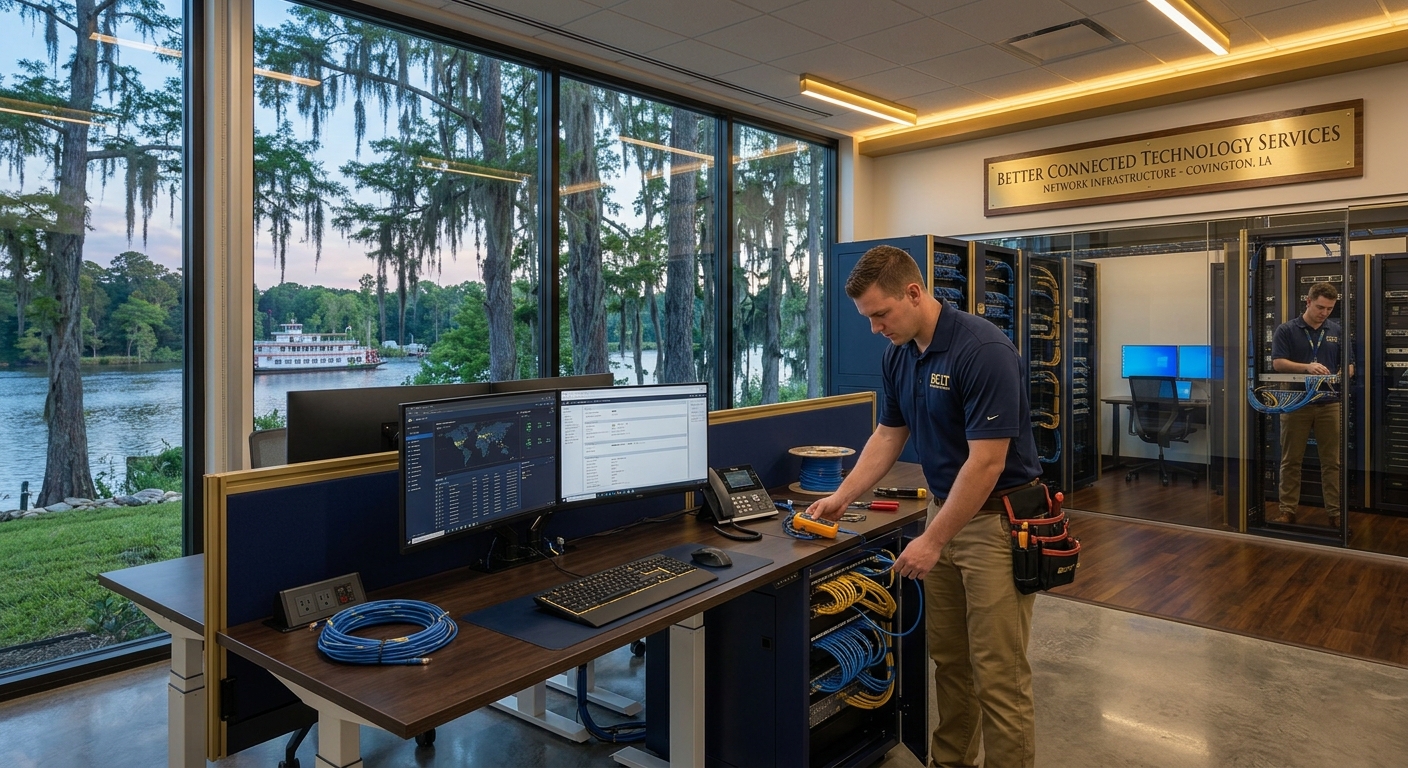
Plan Structured Cabling and Network Connections
Structured cabling in Covington, LA can provide the physical network infrastructure needed to connect computers, phones, access points, printers, and other devices.
For a new office, cabling should be planned around the current layout and potential future needs.
A network installation may include:
Ethernet cabling
Network wall ports
Patch panels
Network switches
Equipment racks or cabinets
Wireless access point connections
Cable organization and labeling
Planning cable runs before an office is fully occupied can make installation easier and reduce disruption to employees.
Determine How Many Network Connections Are Needed
Do not plan only for the number of computers employees will use on the first day.
A growing office may eventually need additional connections for:
New employees
Printers
Phones
Security equipment
Wireless access points
Conference rooms
Servers or network storage
Other connected business devices
Building some capacity for future growth can reduce the need for major network changes later.
Design Wi-Fi Around the Office
Business Wi-Fi should be planned according to the physical office rather than simply placing one wireless router in a convenient location.
Office size, walls, equipment, employee density, and the number of connected devices can all affect wireless coverage.
Businesses should consider separate requirements for areas such as:
Employee workspaces
Conference rooms
Reception areas
Common areas
Guest Wi-Fi
Equipment or specialized work areas
For larger offices, multiple wireless access points may be appropriate depending on the building and network design.
Organize Network Equipment Properly
Network equipment should have a dedicated, organized location whenever possible.
Routers, switches, patch panels, and other equipment should be installed where they can be managed and maintained without interfering with normal office activities.
Good organization can also make it easier to identify cables, troubleshoot connectivity issues, and make changes as the business grows.
Consider Business Security From the Beginning
Security should be considered as part of the initial office IT setup rather than added only after a problem occurs.
Businesses should establish appropriate controls for their network, computers, accounts, and business data.
Depending on the business, this may include:
Secure network configuration
User access controls
Strong passwords
Device security
Data backups
Separate guest Wi-Fi
Software and system updates
The specific security requirements will depend on the type of business and the information it handles.
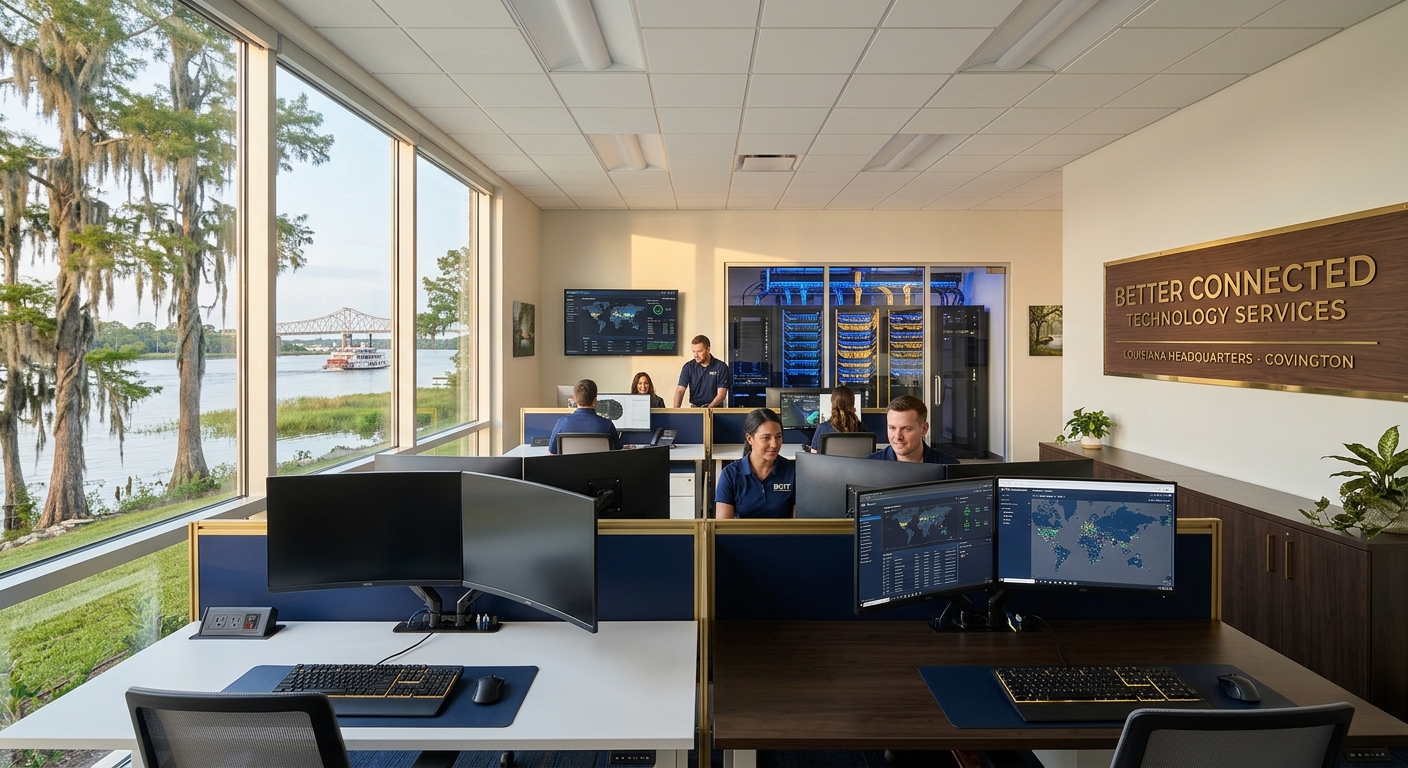
Prepare Computers and Workstations Before Move-In
A new office is much easier to launch when employee computers and other equipment are prepared before everyone arrives.
A basic workstation setup may include:
Computer or laptop
Monitor and peripherals
Network connection
Business applications
Printer access
Security software
Required cloud services
Access to business files and systems
Preparing these items ahead of time can help employees begin working without spending the first several days resolving basic technology problems.
Plan for Conference Rooms and Shared Technology
Conference rooms often require more technology than businesses initially expect.
Depending on how the company operates, a conference room may need:
Wired network connections
Wi-Fi
Display connectivity
Video conferencing equipment
Speakers and microphones
Presentation equipment
Power and charging access
Including conference rooms in the IT plan helps prevent connectivity issues after the office is already operational.
Think About Future Office Growth
A new office setup should not only work for the current number of employees.
Businesses should consider what the office might look like one, two, or several years from now.
For example, a company opening with 15 employees may eventually need additional workstations, network ports, wireless access points, phones, printers, or other connected devices.
Planning for reasonable growth during the initial installation can make future expansion more manageable.
New Office IT Setup Checklist for Covington Businesses
Before moving into a new office, businesses can use this basic checklist:
Confirm business internet availability
Review the office floor plan
Determine workstation locations
Determine network equipment requirements
Plan Wi-Fi coverage
Identify printer and shared-device locations
Plan conference room technology
Establish network security requirements
Prepare employee computers
Configure business applications and accounts
Organize network equipment
Label network connections and equipment
Test internet and network connectivity
Test computers and shared devices
Document the network setup
Leave room for future expansion
When Should You Start Planning Your Office IT Setup?
Ideally, technology planning should begin before the office renovation or construction is complete.
This is particularly important when the project requires structured cabling or network installation. Planning early gives the business and its IT provider an opportunity to coordinate cable routes, network equipment locations, workstation connections, wireless access points, and other infrastructure before the space is occupied.
Waiting until employees have already moved in can make certain installations more disruptive.
Do You Need Professional IT and Network Installation?
For a small office with limited technology requirements, some basic equipment may be straightforward to set up. However, businesses with multiple employees, workstations, network connections, conference rooms, or specialized technology may benefit from professional planning and installation.
A professional IT provider can help coordinate the different parts of the setup so the internet connection, network infrastructure, computers, and other business technology work together.
For businesses searching for IT support in Covington, LA, the right provider should be able to understand both the immediate technology requirements and the business's plans for growth.